Selling online
Which jewellery and watches should you feature on your website?
Feature pieces you can supply confidently and that give visitors a useful next step. Choose for a particular customer or buying occasion, then review availability and the destination page whenever stock changes.
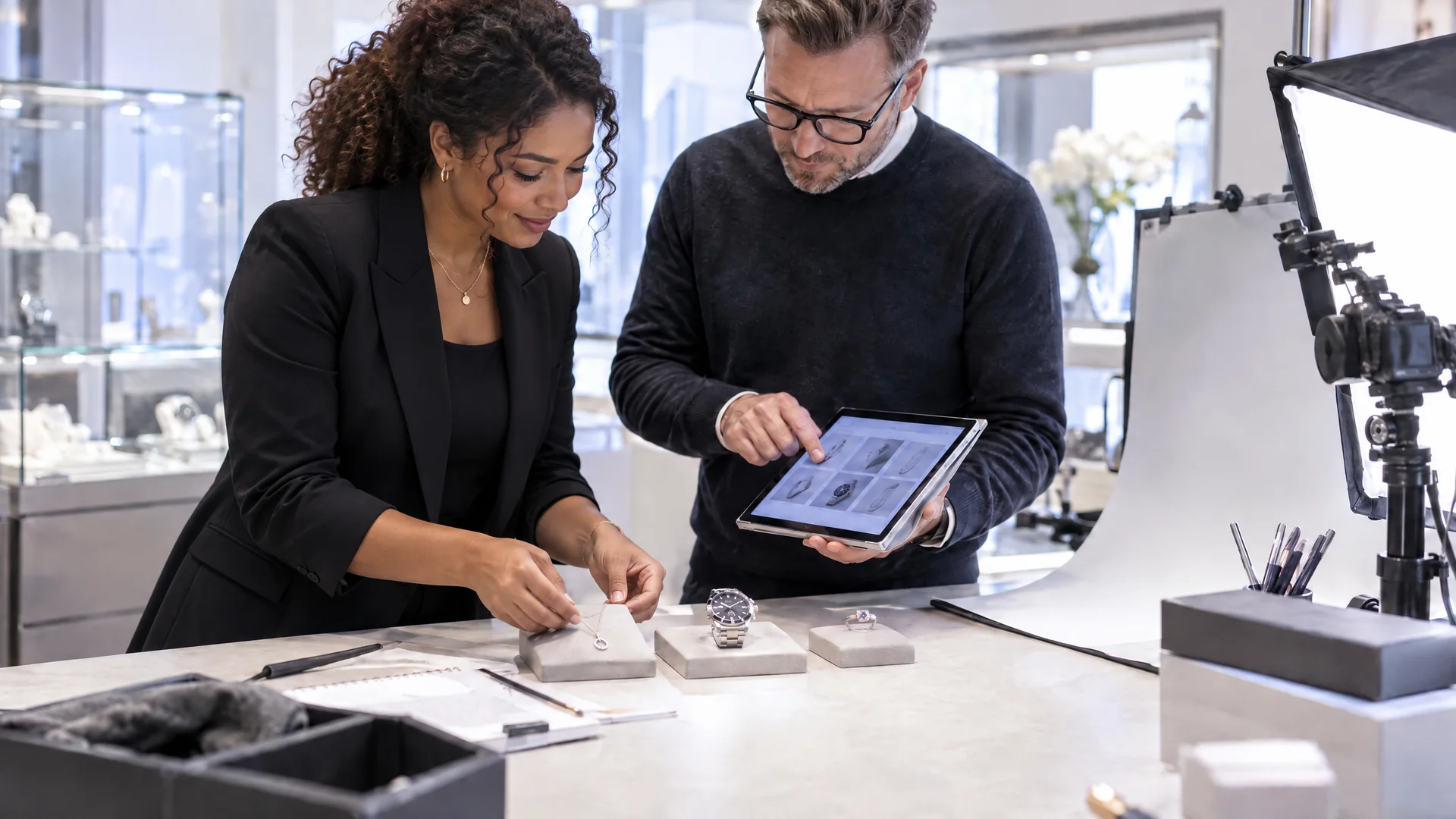
The most expensive watch in the cabinet is not automatically the best homepage choice. It may attract attention while telling a new visitor very little about the rest of your shop. A featured piece should help someone recognise what you sell and decide where to look next.
Give the space a purpose
Decide whether you are introducing new arrivals, showing a price range or highlighting a particular type of jewellery. A customer looking for an everyday necklace has a different question from a collector comparing watch references. Trying to speak to both in one panel usually makes the message vague.
Choose a with a complete listing. The image should show the actual piece clearly, and the description should support what the homepage promises. If the feature mentions box and papers, the listing must explain what is included.
- Start with the customer’s likely question or occasion.
- Select a piece with checked availability and finished preparation.
- Use an image that still makes sense when cropped on mobile.
Consider the range behind the feature too. An attractive watch can introduce a collection, but a visitor should not arrive at a thin or unrelated selection. Match the promise to the stock you actually have today.
See it in Stockbox
The guide adds a product to a website image slider using images from its gallery. Notice the selection and preview steps, then compare the feature with the product page.
Make featured stock someone’s responsibility
A homepage can become stale without anyone deliberately neglecting it. A watch sells, a colleague photographs new arrivals and the old promotion stays in place. Give one person a brief regular check, with a replacement ready when a featured item leaves stock.
Use the to check what customers will see after an edit. Follow the link, read the product details and look at the mobile view. A strong photograph does little useful work if the tap takes someone somewhere unexpected.
A practical example is a feature about smaller watches. The headline might explain the choice, the pictured item might illustrate it, and the destination should offer suitable pieces with dimensions clearly recorded. The feature then helps someone shop, instead of merely decorating the page.
Review the feature in a minute
- Is the piece still available and ready for sale?
- Does the image show what the headline describes?
- Can a visitor reach the right product without searching again?
- Is there a suitable replacement if this item sells?
After changing a feature, compare visits and enquiries where your analytics allow it. Treat a quiet period as a reason to inspect the message and destination, rather than assuming the stock is wrong. Useful merchandising gives good pieces a clear introduction.